

Usage
Your provider can cap how much AI the assistant may use in a period, such as a month. The Usage page tells you whether such an allowance applies to you, how much of it is left as a percentage, and the date it resets, so that a paused run or a refused message makes sense. Open it from ConfigureUsage. Admins and Members both see this page when your provider shows it.
What you can do here
Section titled “What you can do here”- See how much allowance is left. A bar and a figure such as 38 % left show the share of this period’s allowance still available. Read your allowance.
- Know when it resets. The page names the date the allowance starts again. Read your allowance.
- Understand a pause. When the allowance is used up, the page says so and explains what waits until the reset. When the allowance is used up.
- Check whether there is a limit at all. Without an allowance, the page says your use is not capped. When no allowance is set.
The screen at a glance
Section titled “The screen at a glance”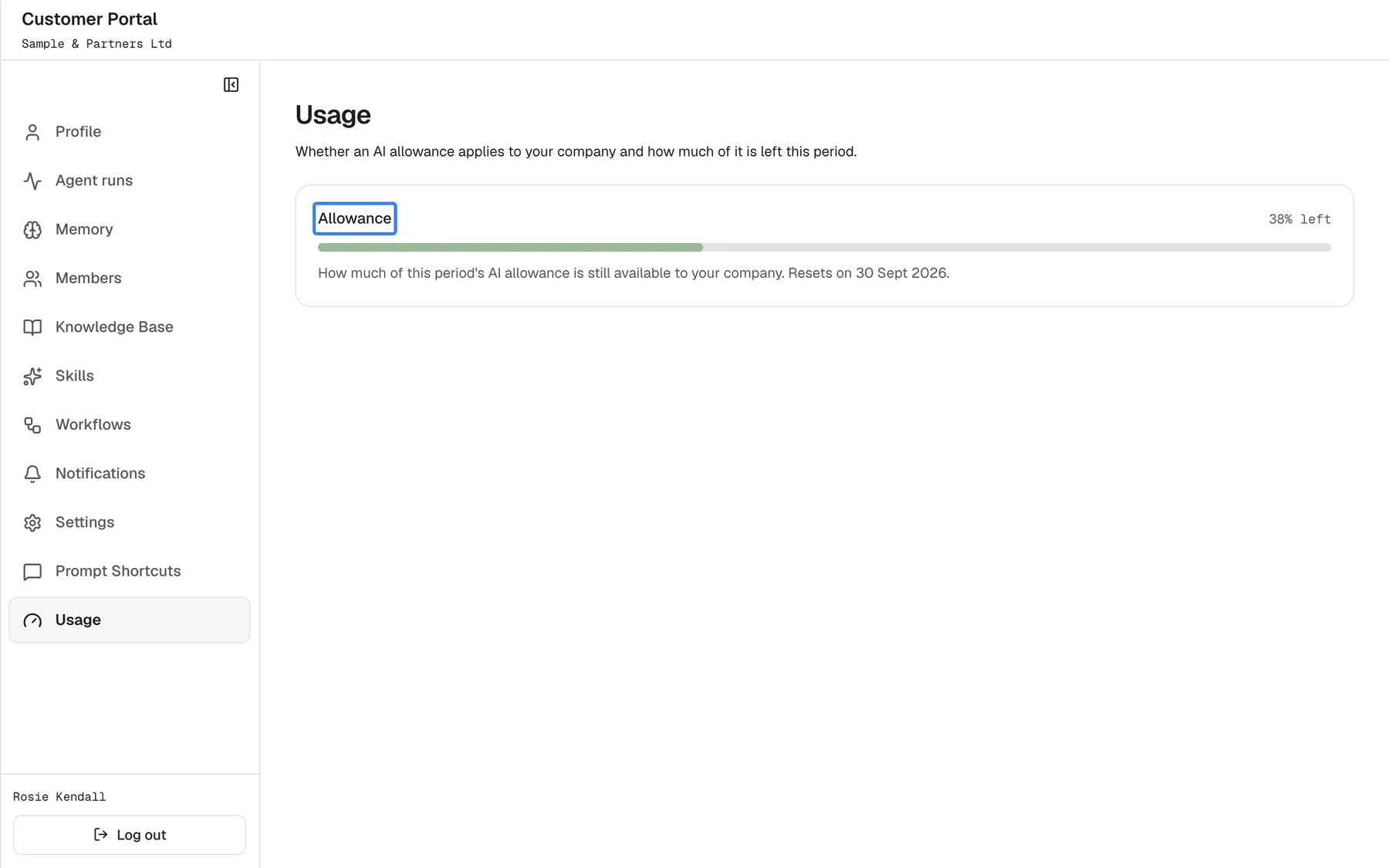
What this screenshot shows
- Screen
- Usage (/?mode=portal)
- Highlighted
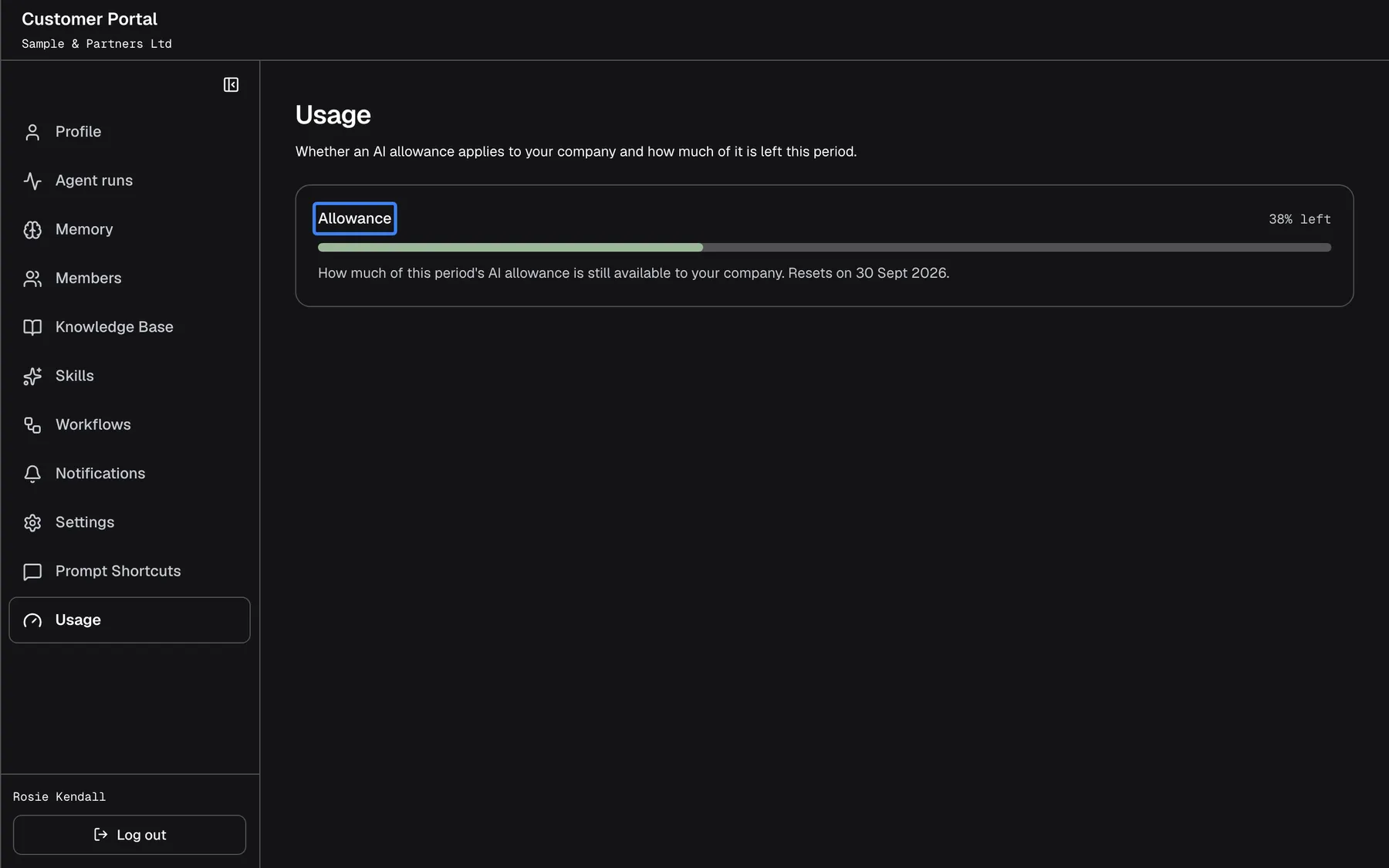
- “Allowance”, allowance-card, 38% left. none
- Also visible
- portal.usage.left, portal.usage.resets
- Purpose
- allowance with some left
| Region | What it shows | What you do there |
|---|---|---|
| Heading | Usage and Whether an AI allowance applies to your company and how much of it is left this period. | Nothing |
| Allowance card | A title, a short explanation, a bar with the share left, and the reset date | Read it |
The page shows no amounts of money and no technical units, only the share that is left. There is no refresh button; open the page again to update it.
Read your allowance
Section titled “Read your allowance”The card titled Allowance shows How much of this period's AI allowance is still available to your company. under the title, a bar, the share left as a whole percentage, and the reset date, for example “Resets on 30 Sept 2026.”. The bar’s colour tells you how close the limit is:
| Share left | Bar |
|---|---|
| More than 20 % | Green |
| 20 % or less | Orange |
| 0 %, used up | Red, with the title Allowance used up |
What counts. The allowance measures the AI processing the assistant does for the people it covers: chat answers and background runs. Your provider decides whom it covers: everyone using their service, everyone using this assistant, or only your company. Everyone it covers draws from the same allowance, and when several limits apply, the page shows the one with the least left.
When it resets. Periods follow the calendar in UTC: a monthly allowance starts again on the 1st, a weekly one on Monday, a daily one at midnight UTC. The date on the page is shown in your local time, so close to midnight it can differ from the UTC date by one day.
The figure can lag a little behind: recent use may take up to a minute to show.
When the allowance is used up
Section titled “When the allowance is used up”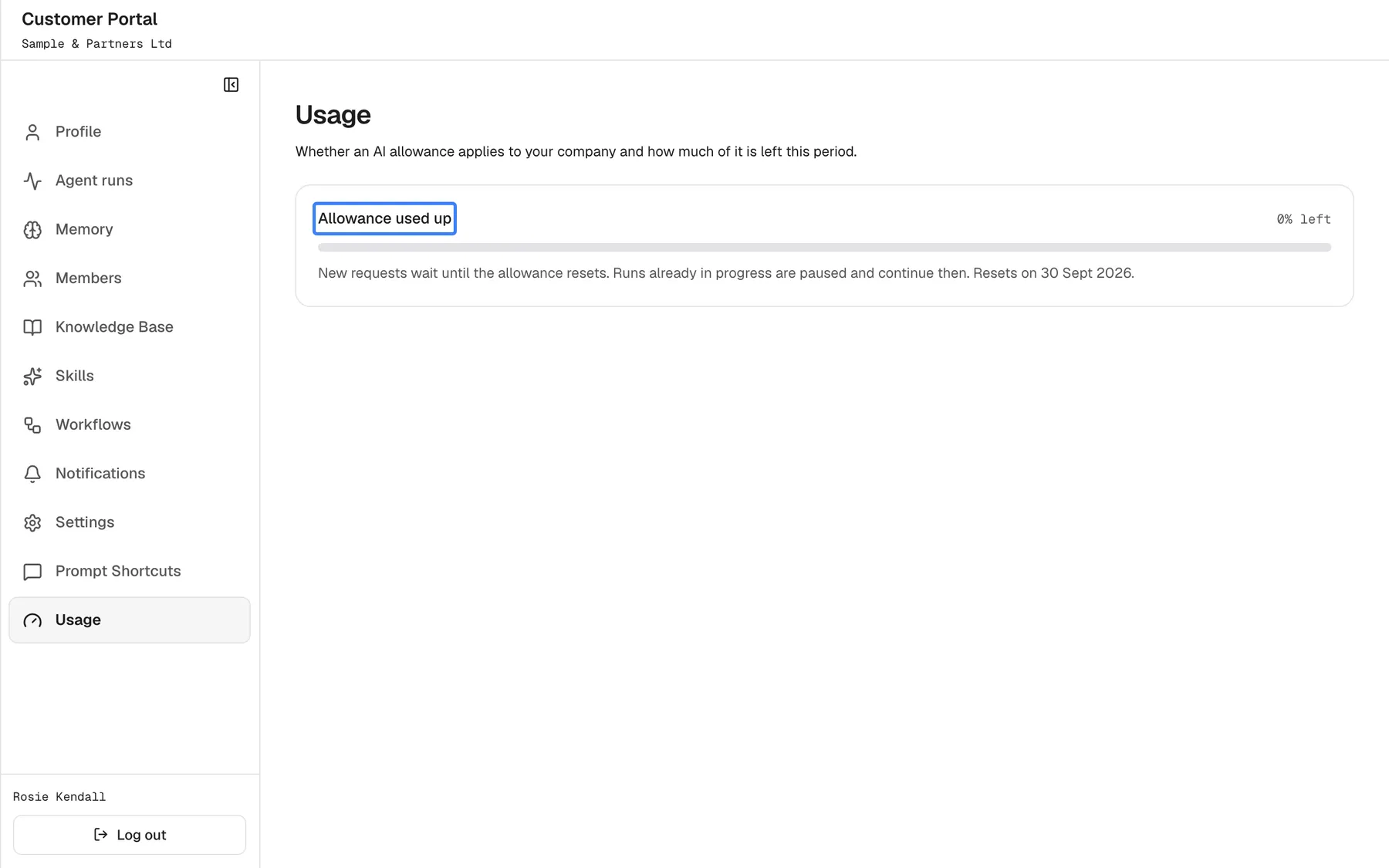
What this screenshot shows
- Screen
- Usage (/?mode=portal)
- Highlighted
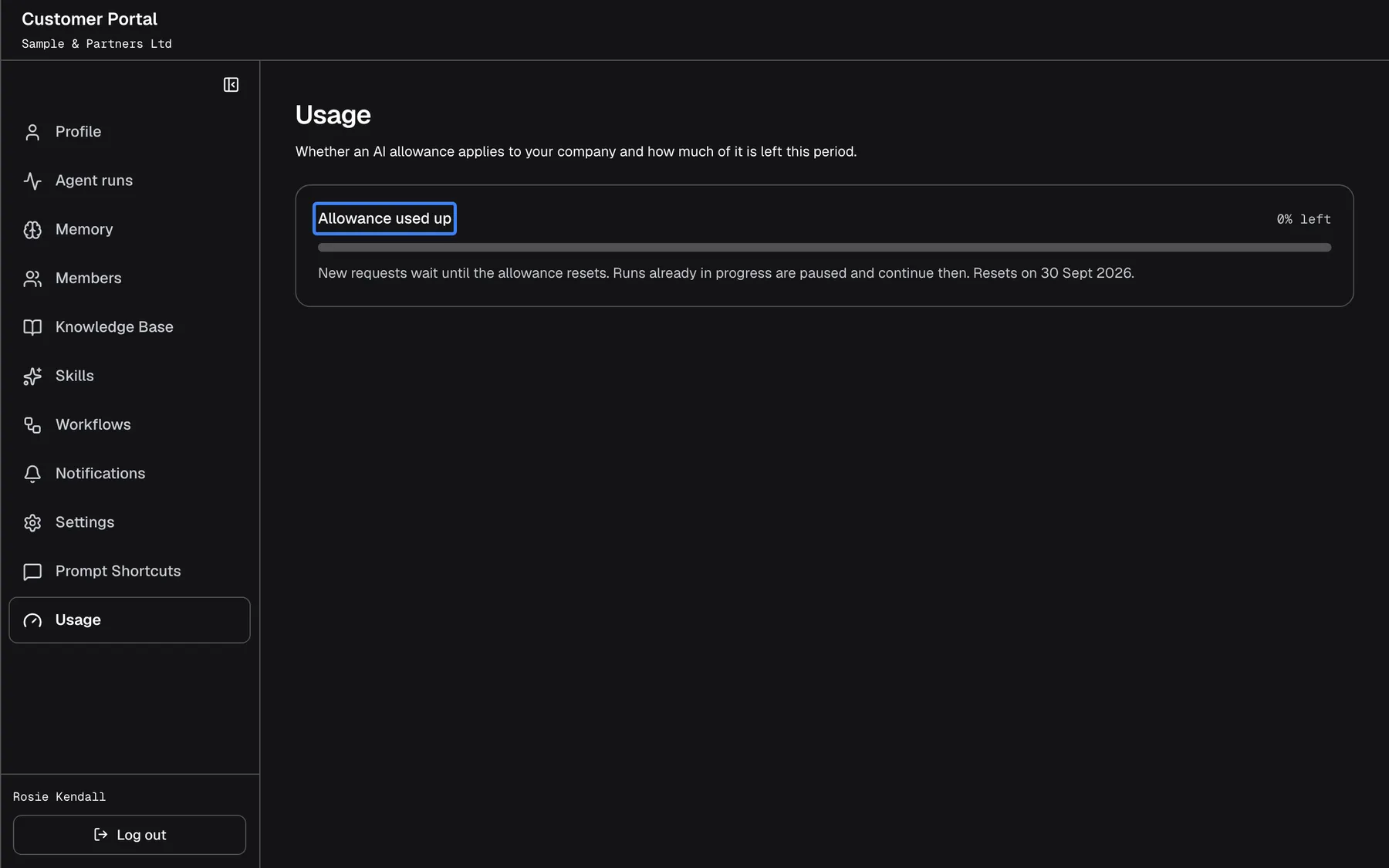
- “Allowance used up”, allowance-card, exhausted. none
- Also visible
- portal.usage.exhaustedBody, empty bar
- Purpose
- allowance used up
The card is titled Allowance used up, the bar is empty and the text reads New requests wait until the allowance resets. Runs already in progress are paused and continue then. Until the reset date:
- New messages in the chat are not answered. The assistant replies with a notice that the allowance is used up and when it resets. The notice comes from the service in English and names your provider’s allowance, for example
This workspace's AI allowance for the current period is used up (budget "Monthly AI"). It resets on 1 Oct 2026. - Background runs pause. On Agent runs they show Paused — the AI allowance for this period is used up; the run continues when it resets. They continue by themselves when the allowance resets, or earlier if your provider raises or removes the limit.
Nothing is lost while you wait. If the work cannot wait, contact your provider; only they can change the allowance.
When no allowance is set
Section titled “When no allowance is set”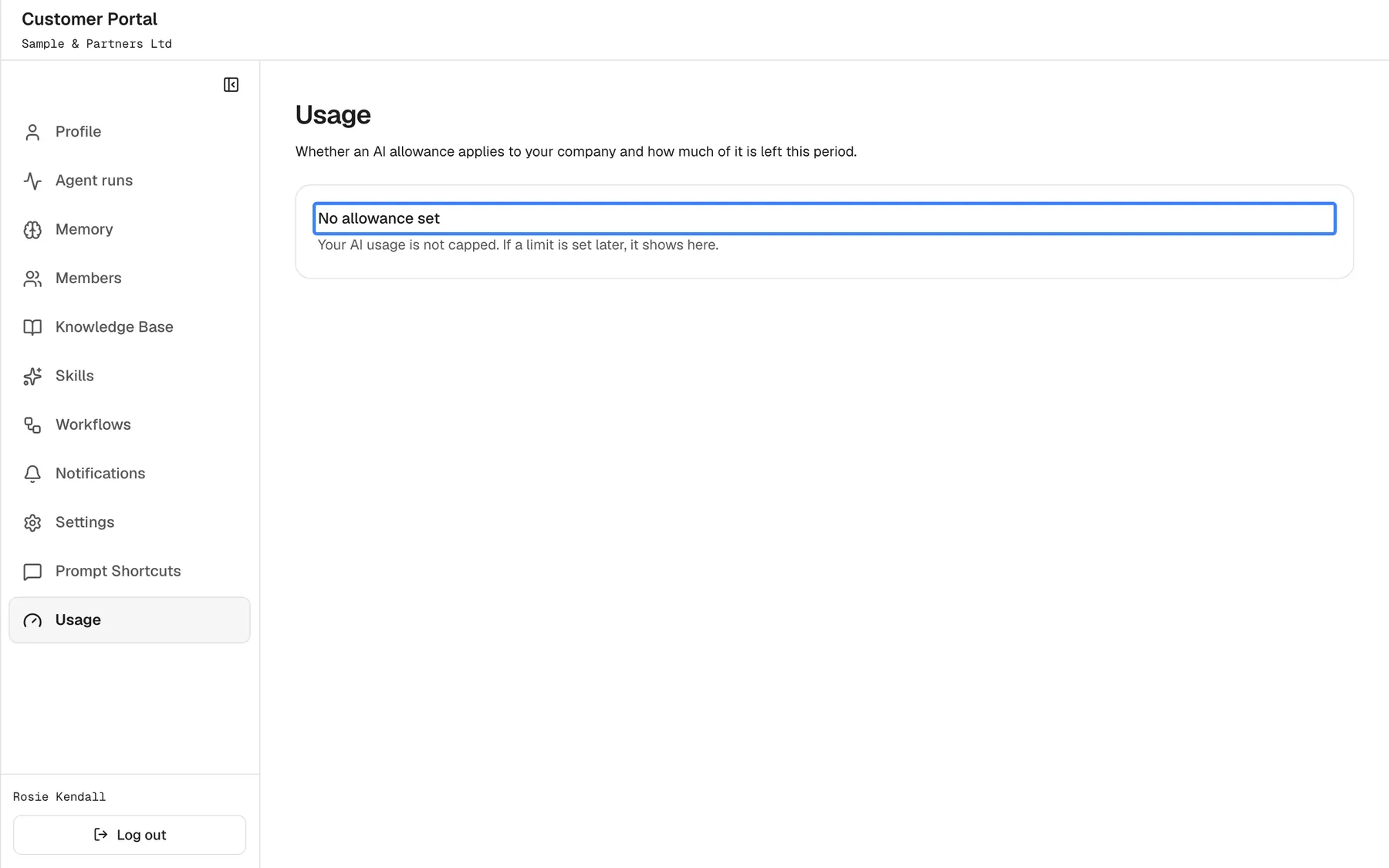
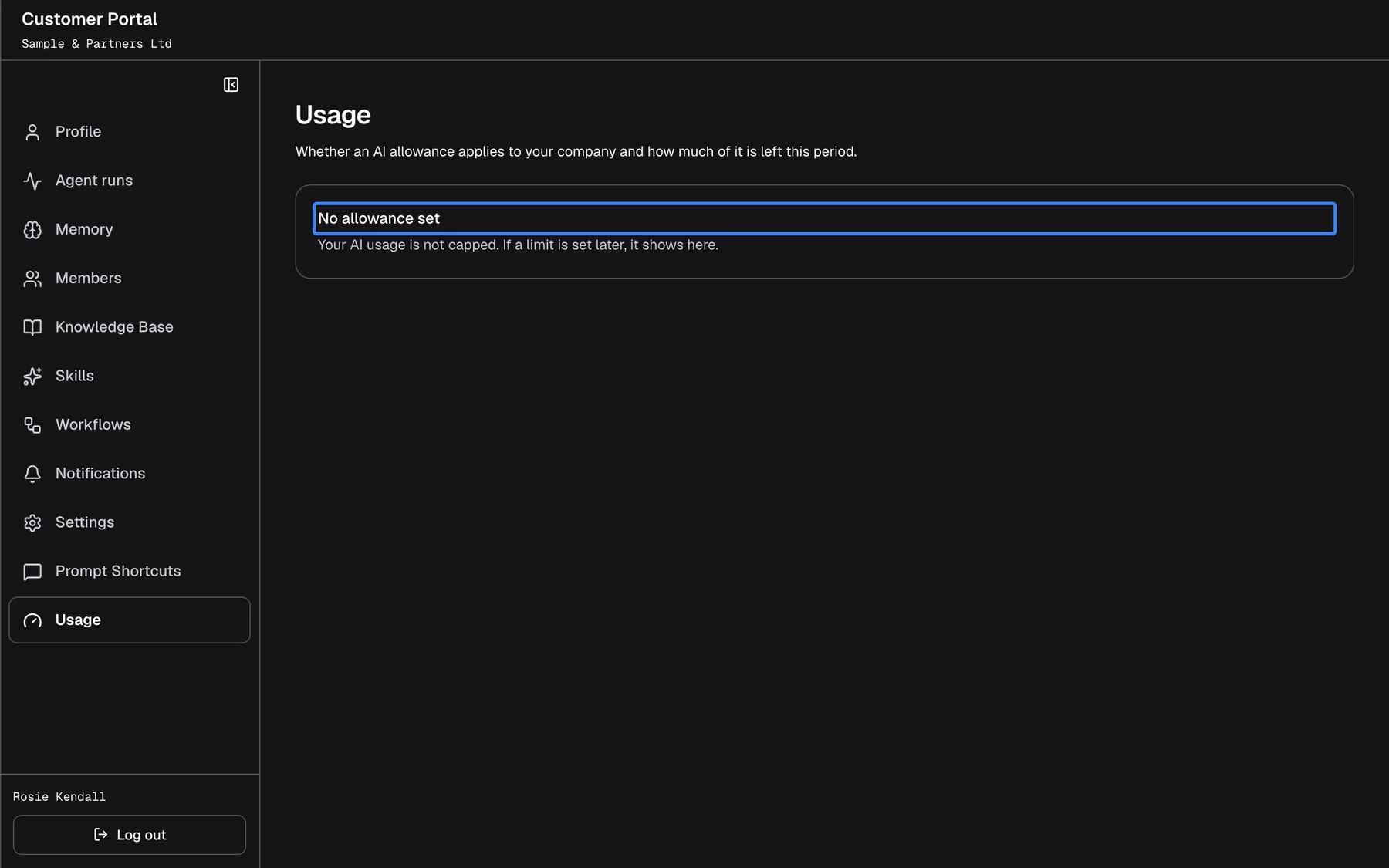
What this screenshot shows
- Screen
- Usage (/?mode=portal)
- Highlighted
- “No allowance set”, allowance-card, not capped. none
- Also visible
- portal.usage.unlimitedBody
- Purpose
- no allowance
When your provider has not capped your use, the card is titled No allowance set and reads Your AI usage is not capped. If a limit is set later, it shows here. There is no bar and no reset date.
Every control, explained
Section titled “Every control, explained”The page has no controls to change anything; it only shows the allowance. Its one element is the allowance card.
Allowance card
Section titled “Allowance card”The card under the heading on ConfigureUsage. While it loads it shows Loading…
One of three states: No allowance set (no limit), Allowance with the share left and the reset date, or Allowance used up at 0 %. If the figures cannot be loaded, it shows Couldn't load your allowance.
So you know before a long piece of work whether the assistant can finish it, and why it pauses when it does.
What you need to know
Section titled “What you need to know”| Topic | Fact |
|---|---|
| Who sets it | Your provider; you cannot change it |
| What is shown | A percentage and a reset date; never money or technical units |
| Who shares it | Everyone the allowance covers: your provider’s whole service, this assistant, or your company |
| Several limits | The one with the least left applies |
| Periods | Calendar day, week (from Monday) or month (from the 1st), in UTC |
| Used up | Chat messages are not answered; background runs pause and continue after the reset |
| Delay | Recent use can take up to a minute to show |
| Updates | Open the page again to see the latest figure |
Frequently asked questions
Section titled “Frequently asked questions”The allowance
Section titled “The allowance”What is the AI allowance?
Section titled “What is the AI allowance?”A limit your provider can set on how much AI processing the assistant may do in a day, week or month. ConfigureUsage shows how much of the current period’s allowance is left, as a percentage, and when it resets.
Who sets the allowance, and can I raise it?
Section titled “Who sets the allowance, and can I raise it?”Your provider sets it, and only your provider can raise, lower or remove it. Neither you nor your company’s Admins can change it in the portal. Contact your provider if your company regularly runs out before the reset date.
Is the allowance per person or per company?
Section titled “Is the allowance per person or per company?”It depends on how your provider set it up. An allowance can cover everyone using your provider’s service, everyone using this assistant, or only your company. Everyone it covers draws from the same allowance shown on ConfigureUsage.
Why does the page say No allowance set?
Section titled “Why does the page say No allowance set?”Your provider has not capped AI use for you, so ConfigureUsage shows No allowance set instead of a bar. If your provider sets a limit later, the page shows it the next time you open it.
Why can’t I see costs in money?
Section titled “Why can’t I see costs in money?”ConfigureUsage is designed to show only the share of the allowance that is left and the reset date. Ask your provider how your use is measured and charged; the portal itself makes no statement about billing.
Running out
Section titled “Running out”When does the allowance reset?
Section titled “When does the allowance reset?”On the date shown under the bar on ConfigureUsage. Monthly allowances reset on the 1st, weekly ones on Monday and daily ones at midnight, all in UTC, so the local date can differ by a day near midnight.
What happens when the allowance is used up?
Section titled “What happens when the allowance is used up?”New chat messages are not answered and the assistant replies with a notice naming the reset date. Background runs on ConfigureAgent runs pause and continue by themselves after the reset, or earlier if your provider raises the limit.
The assistant says the allowance is used up, but this page shows some left. Why?
Section titled “The assistant says the allowance is used up, but this page shows some left. Why?”Several limits can apply at once, for example one for your company and one for the whole assistant, and the page shows the one with the least left; the figure can also lag by up to a minute. Open ConfigureUsage again, and contact your provider if the two still disagree.
Do I lose anything while the allowance is used up?
Section titled “Do I lose anything while the allowance is used up?”No. Paused runs keep their progress and continue after the reset, and your chats stay in your history. Messages you send while the allowance is used up are not answered; send them again after the reset.
Do Members see this page?
Section titled “Do Members see this page?”Yes. ConfigureUsage is shown to Admins and Members alike whenever your provider has switched the page on, because the allowance affects everyone it covers.
Troubleshooting
Section titled “Troubleshooting”| Symptom | What to check |
|---|---|
| Couldn't load your allowance. | Reload the page. If it repeats, sign out and in again. |
| The chat answers with a notice that the AI allowance is used up | Check the reset date on this page, wait for it, or contact your provider. |
| A run stays Paused with Paused — the AI allowance for this period is used up; the run continues when it resets. | The allowance is used up; the run continues after the reset. |
| The figure has not changed after heavy use | Recent use can take up to a minute to show. Open the page again. |
| The page shows some allowance left but the assistant refuses | Another, tighter limit applies. Contact your provider. |